Advertising Center
A paid B2B module of the Matajer AI platform for merchants who subscribe to the Matajer AI advertising program. Each subscriber connects its own Meta ad accounts and Pages and manages campaigns and reporting next to its orders and inventory.
Who it is for
- Online merchants and e-commerce businesses in the UAE, Oman and Qatar that subscribe to Matajer AI.
- Each subscriber has its own isolated Advertising Center. No subscriber can see another subscriber’s accounts or data.
- Ad spend is billed by Meta directly to the subscriber’s own ad account. Matajer AI charges only its platform subscription.
What you can do
- See your connected ad accounts, Pages, linked Instagram accounts and pixels in one place.
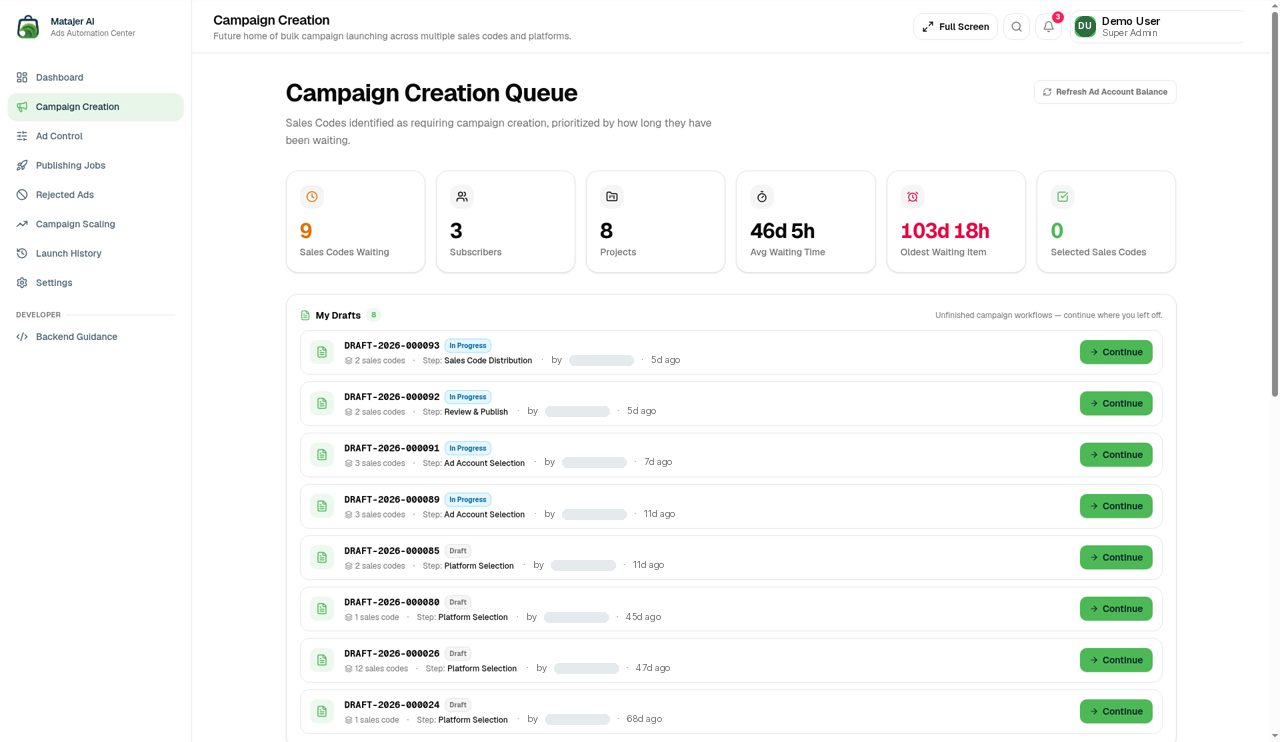
- Create, edit, pause, resume and delete campaigns, ad sets and ads.
- Upload images and videos for your ad creatives.
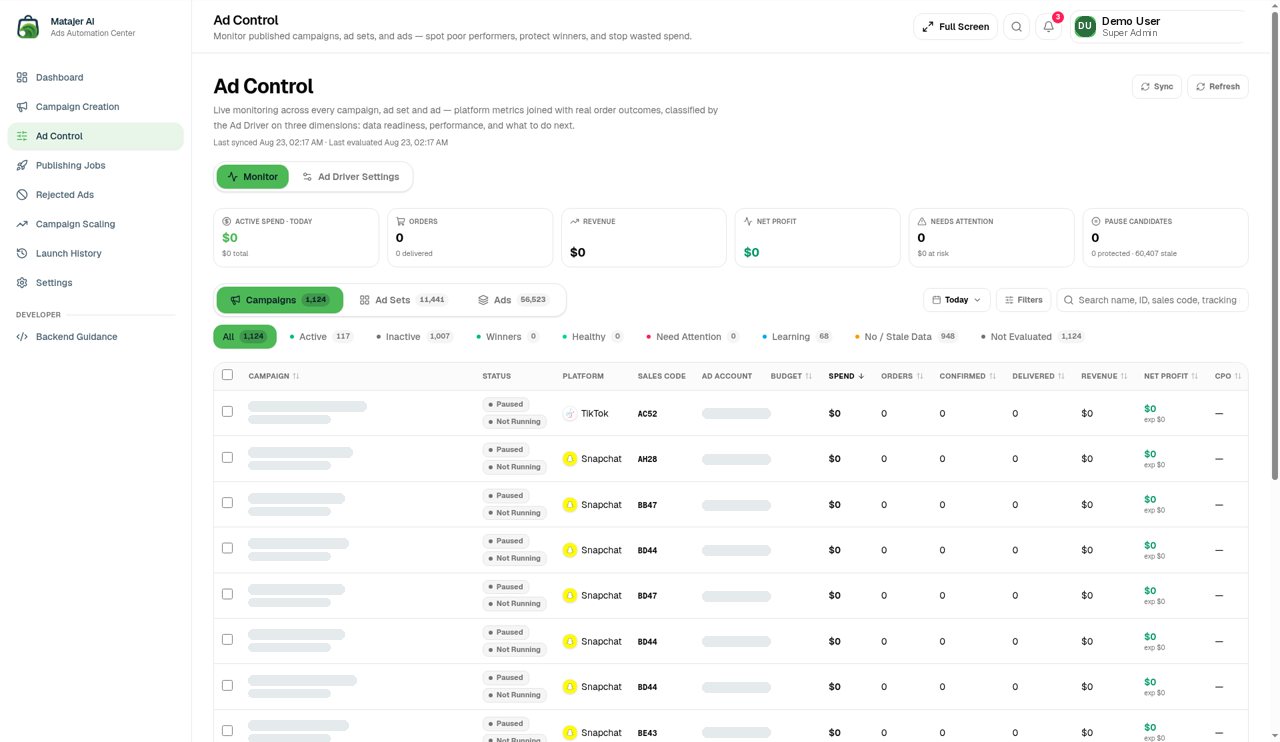
- Track spend, balance and performance insights per ad account.
- Get alerts when Meta rejects an ad or flags an issue.
How the Meta connection works
- In your Advertising Center, click Connect and choose Meta.
- Meta’s Facebook Login for Business window opens. You sign in with your own Meta account and business portfolio.
- You choose exactly which ad accounts, Pages, Instagram accounts and pixels to share with Matajer AI Ads, and review the permissions.
- Meta returns a business-integration access token to Matajer AI. We store it encrypted and load your selected assets in the same step.
- You manage the assets from the Advertising Center. You can disconnect at any time from Matajer AI or from Meta Business Settings › Integrations › Connected apps.
Permissions we request and why
| Permission | Why we need it |
|---|---|
ads_management | Create, edit, pause, resume and delete your campaigns, ad sets, ads and creatives, and upload ad images and videos. |
ads_read | Read spend, balance and performance insights to show your reports. |
business_management | Read the business portfolio and the assets you granted (ad accounts, Pages, pixels) so they appear in your Advertising Center. |
pages_show_list | List the Facebook Pages you granted so you can choose the Page an ad runs as. |
pages_read_engagement | Read basic Page details (name, picture) to show the ad identity. We do not read posts, comments or messages. |
pages_manage_ads | Create ads that run as your Facebook Page. |
instagram_basic | Read the Instagram account linked to your Page (ID, username, picture) so ads can also appear on Instagram. |
What we do not do
We do not publish posts, read messages, collect data about the people who see your ads, build audiences, or send any Meta data to AI providers. Details are in our Privacy Policy.
Screenshots
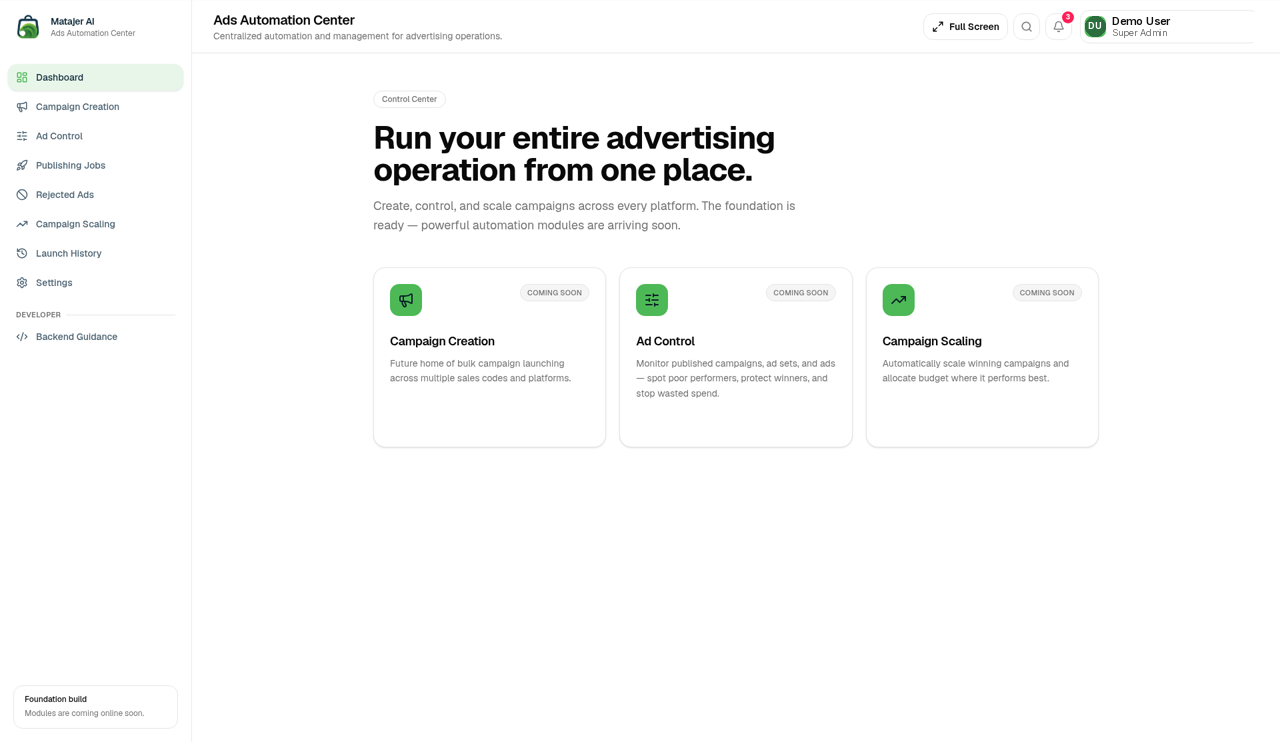
Screens from the live Advertising Center. Customer names, campaign names, IDs and ad account names are masked for privacy.
Policies
Contact and demo
To subscribe or book a demo, email contact@matajerai.ae or call +971 6 521 4090. Privacy questions: privacy@matajerai.ae.